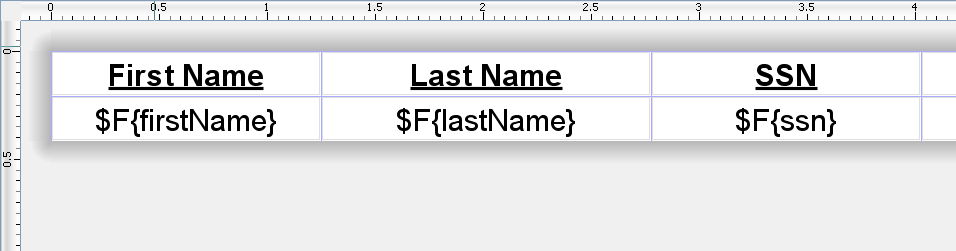
Jasper Reports likes to add extra cells and rows for formatting, but if all you're trying to do is show tabular data you probably don't want that extra space.
Here are the things to set and look out for to remove all the extra white space:
Set Ignore Pagination
On the jasper Report element you want to set
<jasperReport isIgnorePagination="true"... This will remove any extra rows that could be added at the end of the page.
Remove Empty Space
The JR XLS exporter allows certain properties in order to remove extra spacing cells and rows. You will want to set these to true, like so (This example it is adding them to a ModelAndView Object in SpringMVC, but they would be the same for any XLS exporter):
mav.addObject(JRXlsExporterParameter.PROPERTY_REMOVE_EMPTY_SPACE_BETWEEN_ROWS, Boolean.TRUE); mav.addObject(JRXlsExporterParameter.PROPERTY_REMOVE_EMPTY_SPACE_BETWEEN_COLUMNS, Boolean.TRUE);
Remove Line When Blank
If you're using a table element you'll want to set the
<reportElement isRemoveLineWhenBlank="true"... so there are no empty rows. I'm not sure how applicable this attribute is on non-table elements.
Remove Extra Space From Your Design
Jasper will fill in extra white space that you have in your report design with cells. To avoid this you want to make sure that your band's height is exactly equal to the elements in side of it.
 |
| Table Height = the size of the cells inside |
 |
| Band Height = the size of the elements inside it |
Also, when putting your text and fields near each other make sure you line up everything exactly and that there is only about 1 pixel of space between them (Hint: zoom in, use the arrows to move objects around, and type in the height and widths instead of using the mouse).